


In the world of Search Engine Optimization (SEO), dealing with duplicate or near-duplicate content is one of the most common challenges.
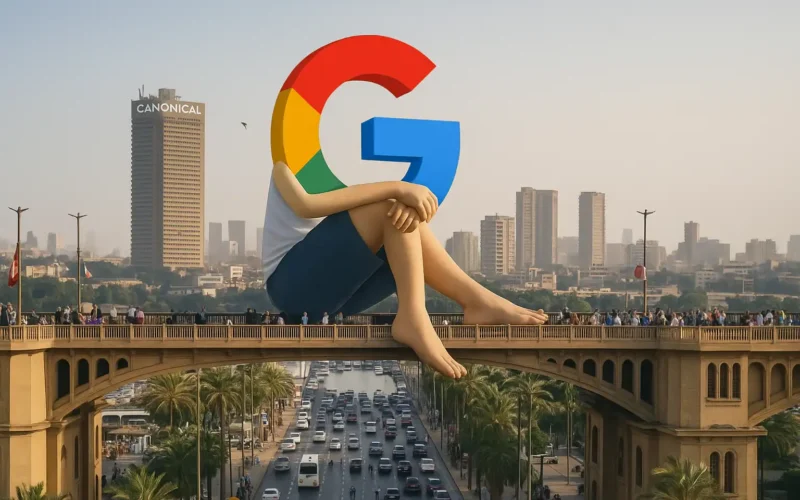
While website owners strive to provide rich and diverse content, similar pages can sometimes confuse search engines—especially Google—causing them to lose the reference to the original or primary version of a page.
This phenomenon is known as Canonical Confusion.
Table Of Content
1. What Is Considered Similar Pages?
Similar pages occur when multiple URLs on a website contain nearly identical content in structure, wording, or purpose.
Examples include:
- Product pages showing different colors but using the same description.
- Blog posts or articles published under different URLs within the same domain.
- Multiple device-specific versions of the same page (desktop, mobile, tablet).
2. How Does Google Handle Similar Pages?
Google uses advanced algorithms to detect duplicate or similar content. When it identifies these pages, it typically:
- Chooses a canonical version that it considers the main or original page.
- Ignores other versions to prevent duplicate results in search listings.
- Transfers ranking signals (such as backlinks and engagement) to the chosen canonical page.
However, confusion can occur if the rel="canonical" tag is missing, incorrectly implemented, or if technical signals conflict.
3. Why Does Canonical Confusion Happen?
- Missing or incorrect canonical tags.
- Internal links pointing to different versions of the same content.
- Meta titles and descriptions that are too similar across pages.
- Minor variations in text or layout that don’t distinguish the pages enough.
- Duplicate publication of the same article across sections or websites without defining the original.
4. Consequences of Losing Canonical Signals
- Drop in rankings for the original page.
- Link equity divided among multiple URLs.
- Reduced organic traffic.
- Confusion for users and website administrators.
5. How to Prevent Canonical Confusion
- Clearly define the preferred page using the
rel="canonical"tag. - Include only primary pages in your XML Sitemap.
- Avoid content duplication or rewrite content uniquely for each page.
- Standardize internal linking to always point to the canonical version.
- Monitor performance and indexing issues using Google Search Console.
Conclusion
Google mixing up similar pages is a subtle technical issue that can impact your site’s visibility and rankings.
The good news is that it’s preventable. By maintaining clean technical SEO practices and providing clear signals to search engines,
you can protect your canonical pages and ensure your website retains its full ranking potential.
Ultimately, clarity and structure are the keys to keeping your content visible and authoritative in Google’s eyes.







No Comment! Be the first one.